
In this article
- What is an itinerary builder for travel agents?
- 1. A real day-by-day structure
- 2. Pricing built in
- 3. A document that looks like your brand
- 4. Easy sharing
- 5. Status tracking
- 6. A link to the enquiry
- 7. A path to the invoice
- An itinerary builder, a quote tool or a CRM?
- How the Ivonix Travel CRM handles itineraries
- Try it on one real trip
What is an itinerary builder for travel agents?
An itinerary builder is software that helps a travel agent turn a customer's requirement into a day-by-day trip plan, with the services priced and a document the customer can read. A good one saves the hour or two it takes to piece a proposal together from a Word file, a costing sheet and old emails, and it keeps every itinerary looking and pricing the same way.
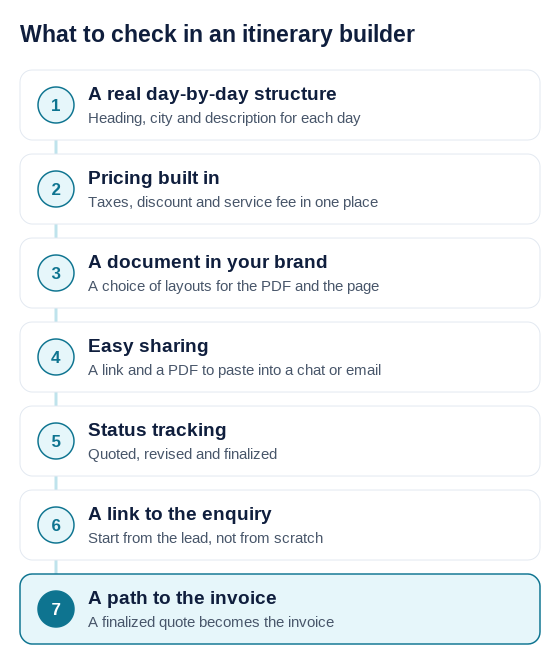
1. A real day-by-day structure
The customer wants to see the days, not just a total. Look for a builder where each day has a heading, a city and a description, so the itinerary reads like a plan and not a list of prices. If the days are free-form text in a single box, every agent will write them differently.
2. Pricing built in
An itinerary that lives in one file and a price that lives in another will drift apart. Choose a builder where the services are priced in the same place, with taxes, a discount and a service fee, and where the total updates as you edit.
3. A document that looks like your brand
The itinerary is your shop window. Check that you can choose a layout and your own colours, and that the same layout appears in the PDF and on the page the customer opens. A choice of layouts matters when different trips call for a different feel, such as a plain format for corporate groups and a photo-led brochure for honeymoons.
4. Easy sharing
Customers answer on their phones. The builder should give you a link and a PDF you can paste into a chat or an email, without downloading and re-attaching files by hand.
5. Status tracking
An itinerary is only useful if you know what happened to it. Look for statuses such as quoted, revised and finalized, so you can see which ones are waiting on a decision and follow up on time.
6. A link to the enquiry
The itinerary should start from the lead, so the customer, dates and number of travellers are already filled in. When the itinerary lives apart from the enquiry, details get retyped, and that is where mistakes happen.
7. A path to the invoice
When the customer says yes, the figures should move into an invoice without retyping. This is the step that most standalone itinerary tools leave out, and it is one reason agencies end up with a CRM around the builder.
An itinerary builder, a quote tool or a CRM?
These overlap. A pure itinerary builder produces the trip plan. Travel quotation software adds the pricing document and its status. A travel CRM adds the enquiry before it and the invoice, payments and reports after it. A small agency usually does best with one system that does all three, because the data only has to be entered once.
How the Ivonix Travel CRM handles itineraries
In the Ivonix Travel CRM, you start a quotation from the lead and write the itinerary day by day. You price it with taxes, a discount and a service fee, choose one of nine PDF layouts, and share it as a link or a PDF. The quote moves through Quoted, Revised and Finalized, and a finalized quotation becomes the invoice. You can see it on the itinerary builder software page, the travel quotation software page, and inside the full travel CRM, which costs ₹799 a month including taxes for one admin and four team members.
Try it on one real trip
The fastest way to judge any itinerary builder is to build one real itinerary from an enquiry you have today and send it to yourself on your phone. If it is quicker than your current method and looks better, the rest follows. You can also read how a travel quotation moves from requirement to invoice, or ask for a walkthrough.
Want this working in your business?
Tell us what you are working on and we will show you how it fits. No pressure, no jargon.